Tutorial
GUDTRIP QUICK
START GUIDE
GUDTRIP QUICK START GUIDE
Step 1
Hold for 5 Seconds to Power On
Green light = on
Step 2
Press 3 Times
to Unlock
Flashing light = ready
Step 3
Scan the QR Code to Download TestFlight and Gudtrip App
Step 4
Open the Gudtrip App and Connect Your Device
Do NOT use your iPhone’s Bluetooth settings to connect your device
White light = connected
Step 5
Take Your First Inhale after Bluetooth is Activated
Repeat Step 2 to unlock if needed
Step 6
Reset if Needed
Use a SIM pin or paperclip
Light Status
· White/Green pulsing = inhale + app connected/disconnected
· Red flashing = low battery / safety cutoff
· Green solid = charging
· Light off = fully charged
Safety
· Max inhale: 7 sec
· Keep away from children
· Lock before storing
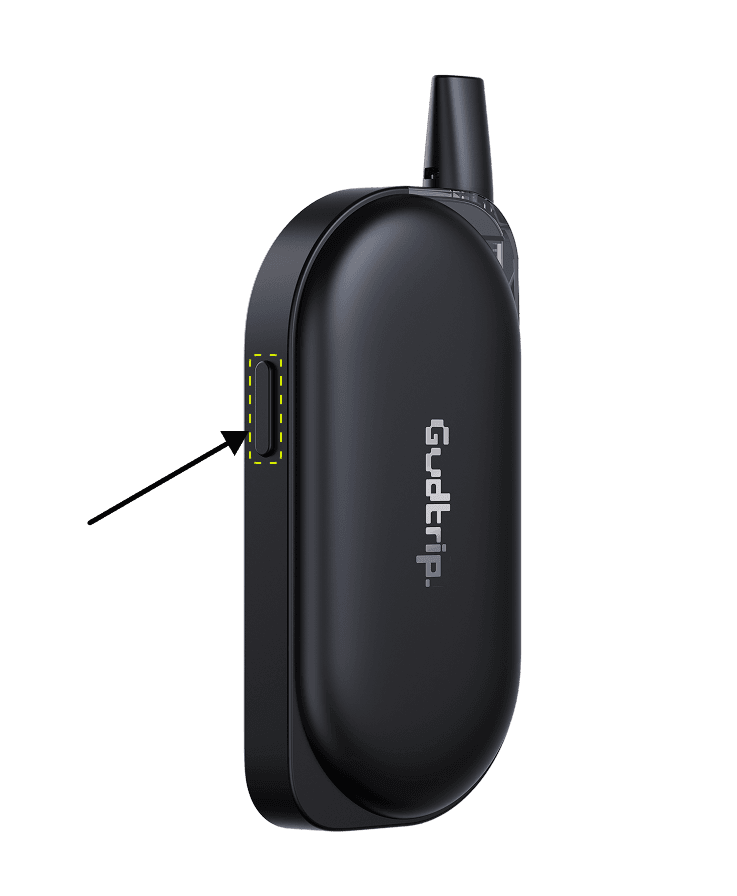
Step 1
Power On
Hold power button 5s until green light confirms
Hold power button 5s until green light confirms
Bluetooth auto-activates
Bluetooth auto-activates
Starts in locked mode (vaping disabled)
Starts in locked mode (vaping disabled)
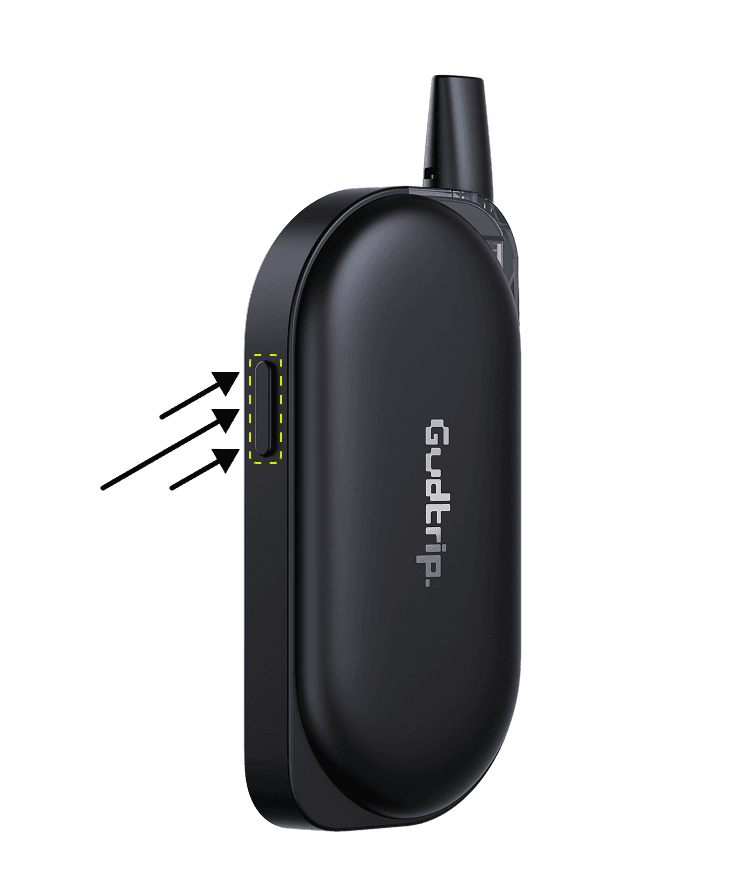
Step 2
Unlock for Use
Triple-click power button within 2s
Triple-click power button within 2s
Flashing light indicates ready state
Flashing light indicates ready state
Hold button to inhale
Hold button to inhale
Auto-locks after 5min inactivity
Auto-locks after 5min inactivity
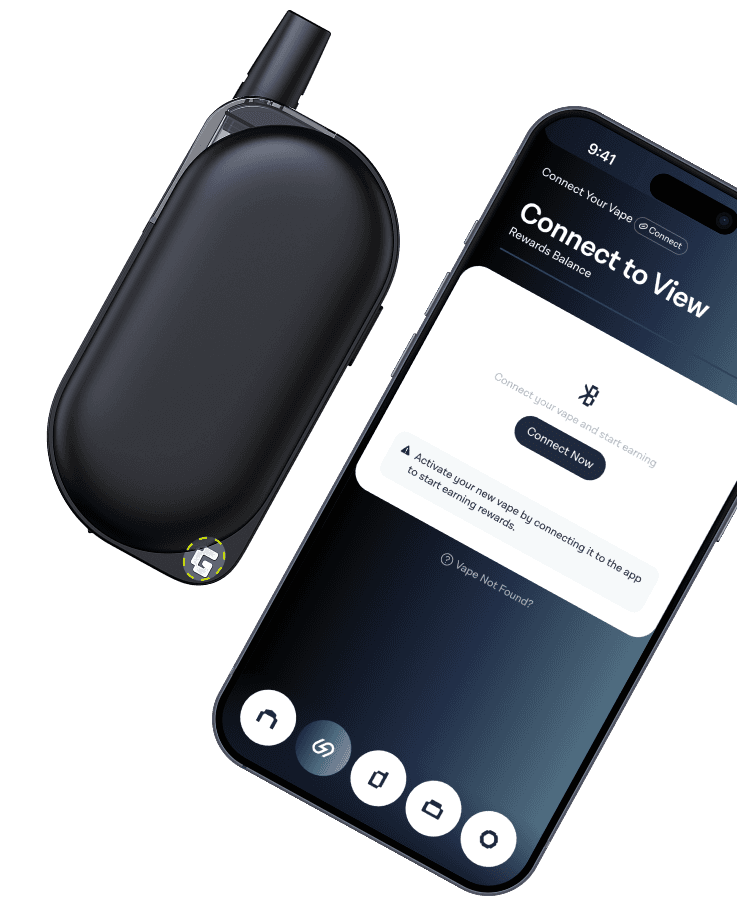
Step 3
Bluetooth Pairing
Select "Gudtrip-xxxx" from device list
Select "Gudtrip-xxxx" from device list
White light confirms connection
White light confirms connection
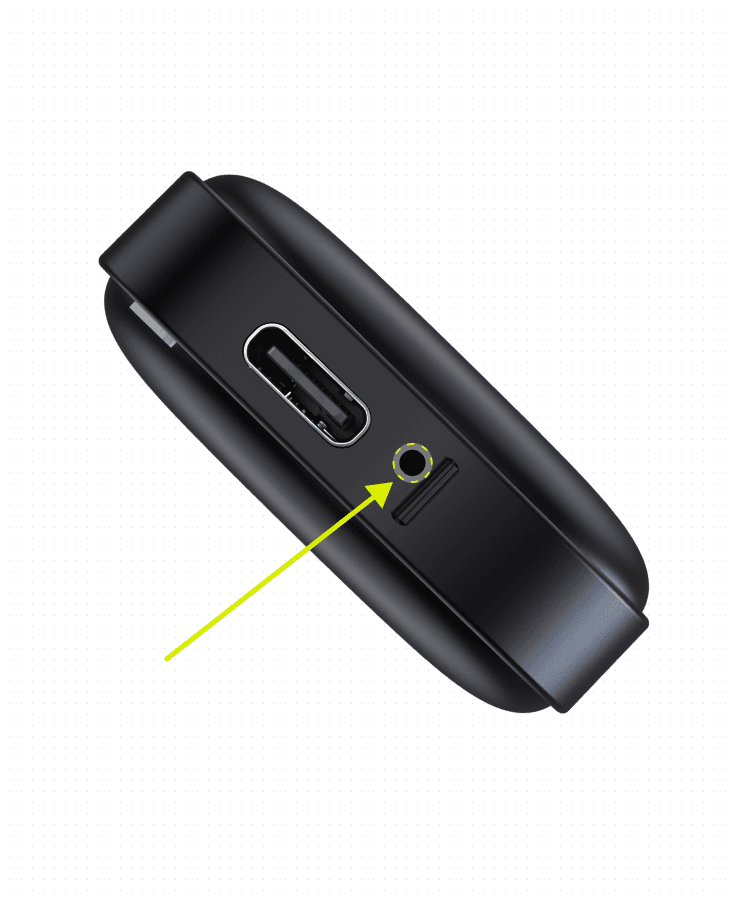
Step 5
Device Reset
In case of malfunction, use a SIM pin or paperclip to press the reset button located inside this hole.
Step 4
Status Lights
Drawing (Bluetooth connected): Pulsing white
Drawing (Bluetooth connected): Pulsing white
Drawing (Bluetooth disconnected): Pulsing green
Drawing (Bluetooth disconnected): Pulsing green
Safety cutoff: Red flash
Safety cutoff: Red flash
Low battery: Red flash
Low battery: Red flash
Charging: Solid green
Charging: Solid green
Fully Charged: Lights off
Fully Charged: Lights off
· 7s max draw duration
· 7s max draw duration
· Keep away from children
· Keep away from children
· Engage lock when storing
· Engage lock when storing

Get started today
Enter The Gudtrip Network
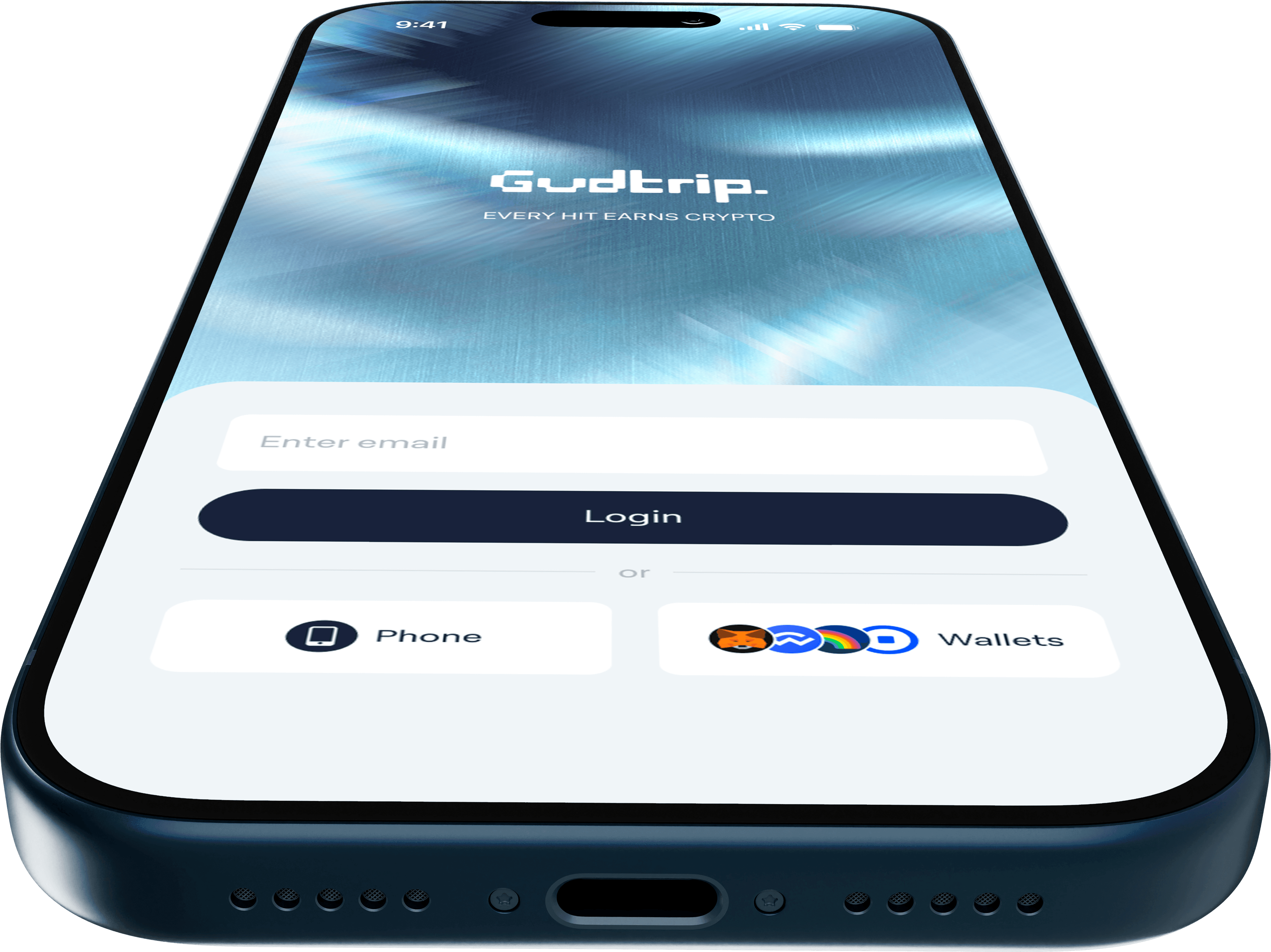
Get started today
Enter The Gudtrip Network
Get started today
Download App